 Tiledeck
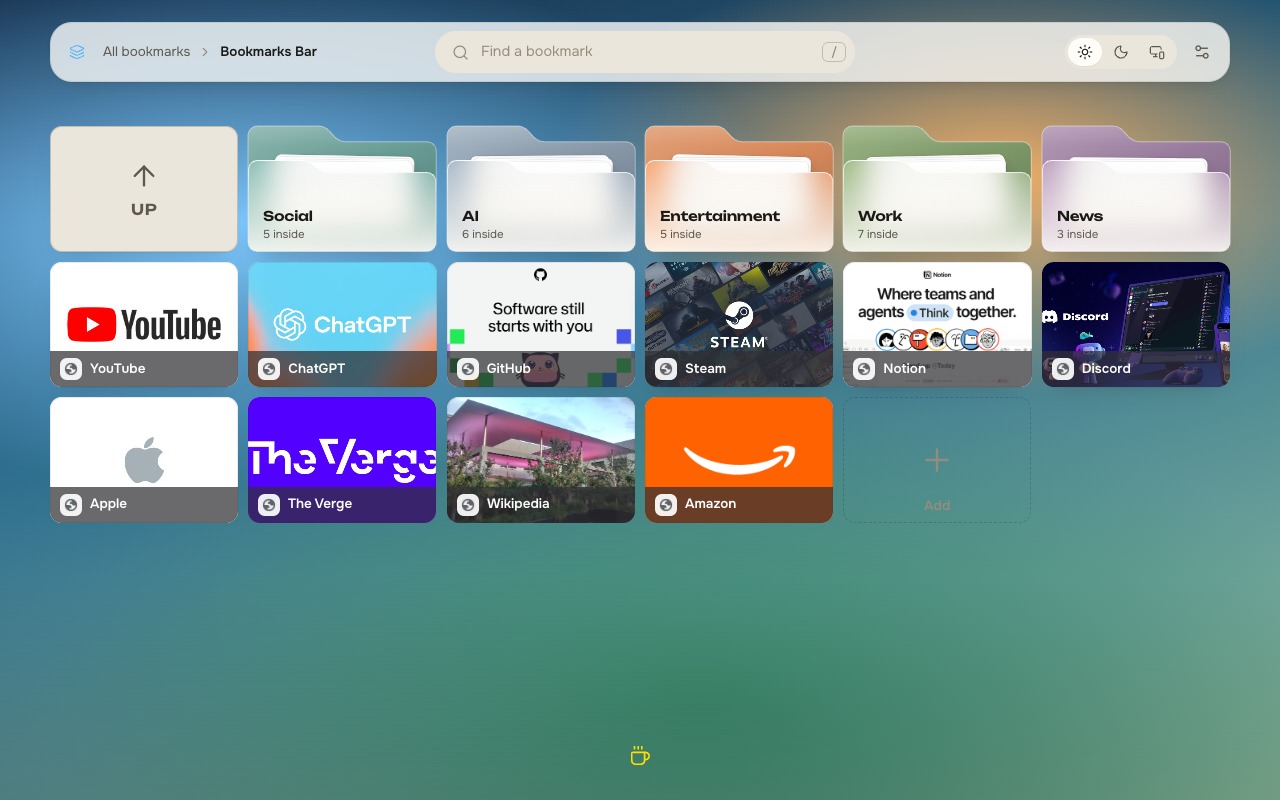
Visual bookmark grid
Bookmarks become tiles you can browse on every new tab.
New tab speed dial: your Chrome bookmarks as tiles with covers, folders, and a calm customizable board.
No Tiledeck account. Bookmarks stay in Chrome.
How it works
Tiledeck replaces the new tab with a tactile speed dial of your Chrome bookmarks — calm, fast, and yours to style.
Add Tiledeck once. It becomes your new-tab page — no separate signup.
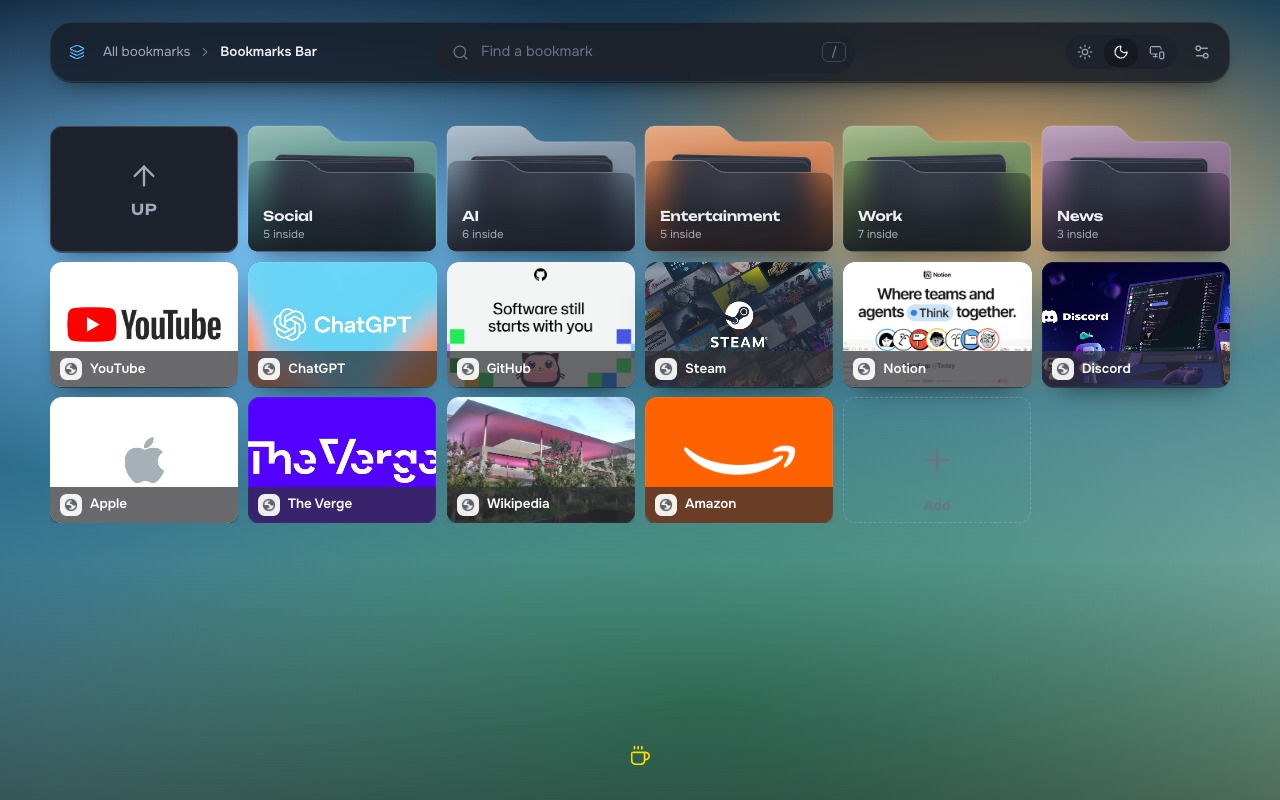
Your bookmarks and folders appear as tiles you can browse and rearrange.
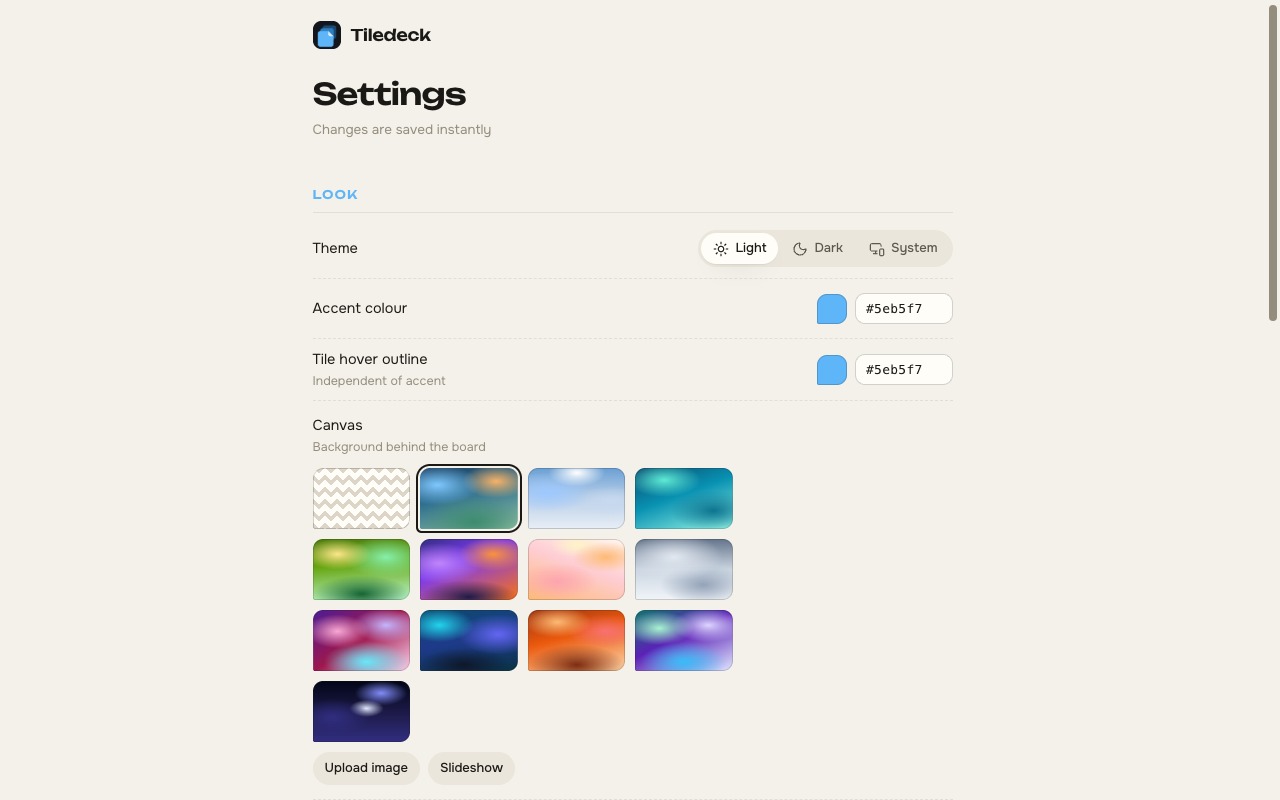
Optional covers, themes, accent colour, and density — all stored locally.
Features
A visual bookmark grid on every new tab — without a Tiledeck backend or account.
Bookmarks become tiles you can browse on every new tab.
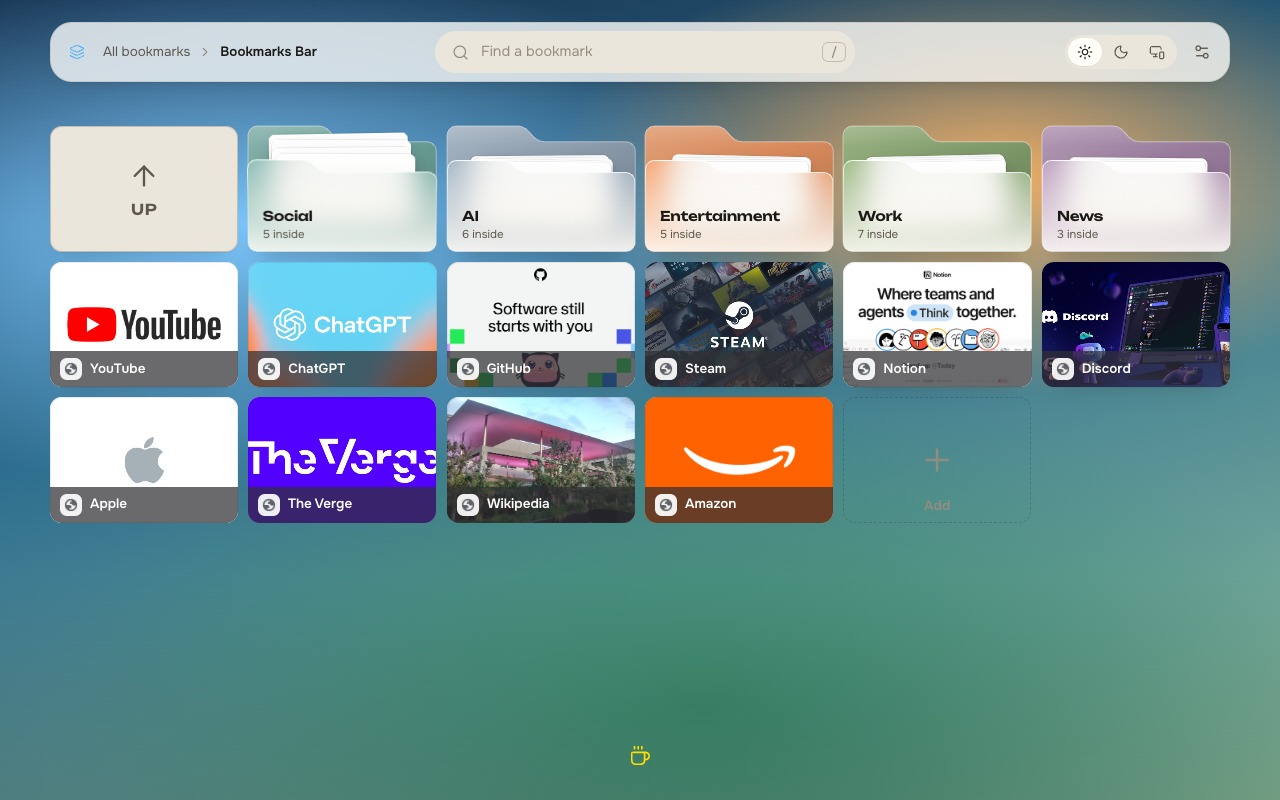
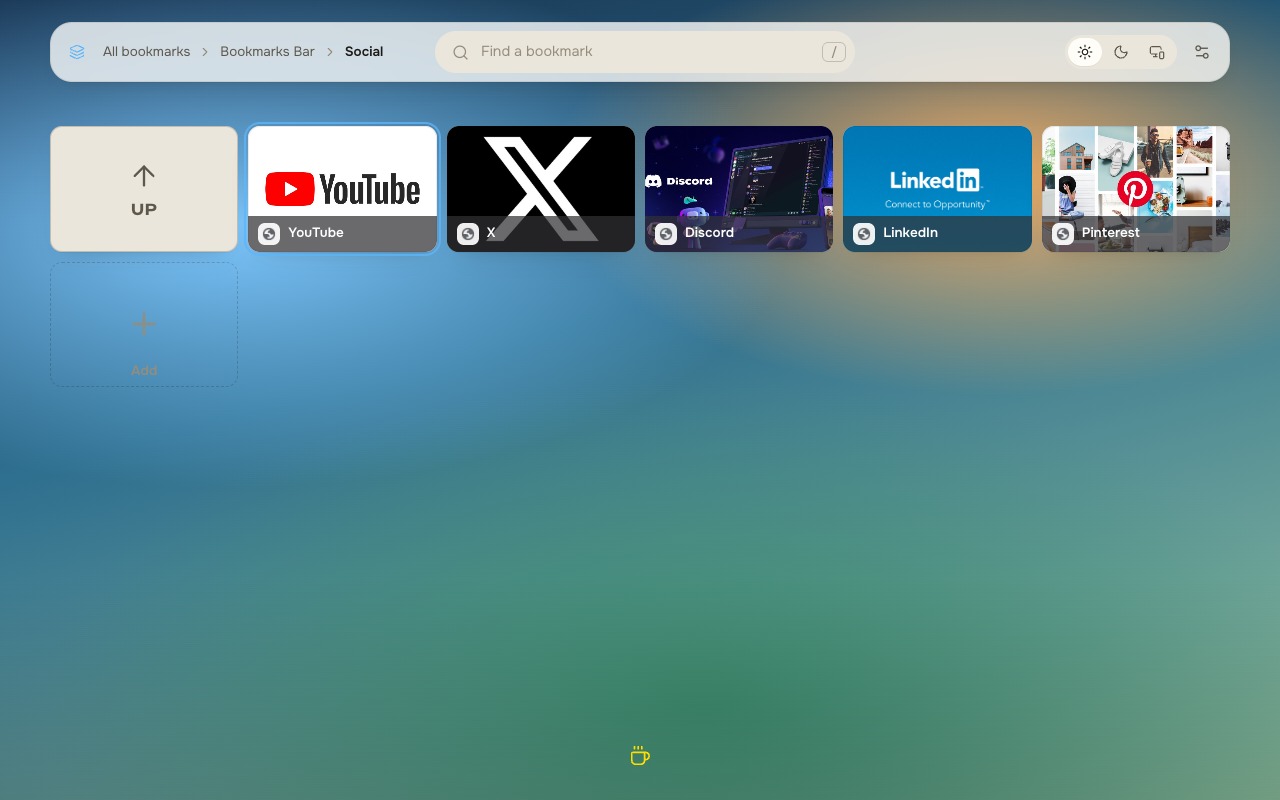
Pocket-style folder tiles you can enter and climb out of.
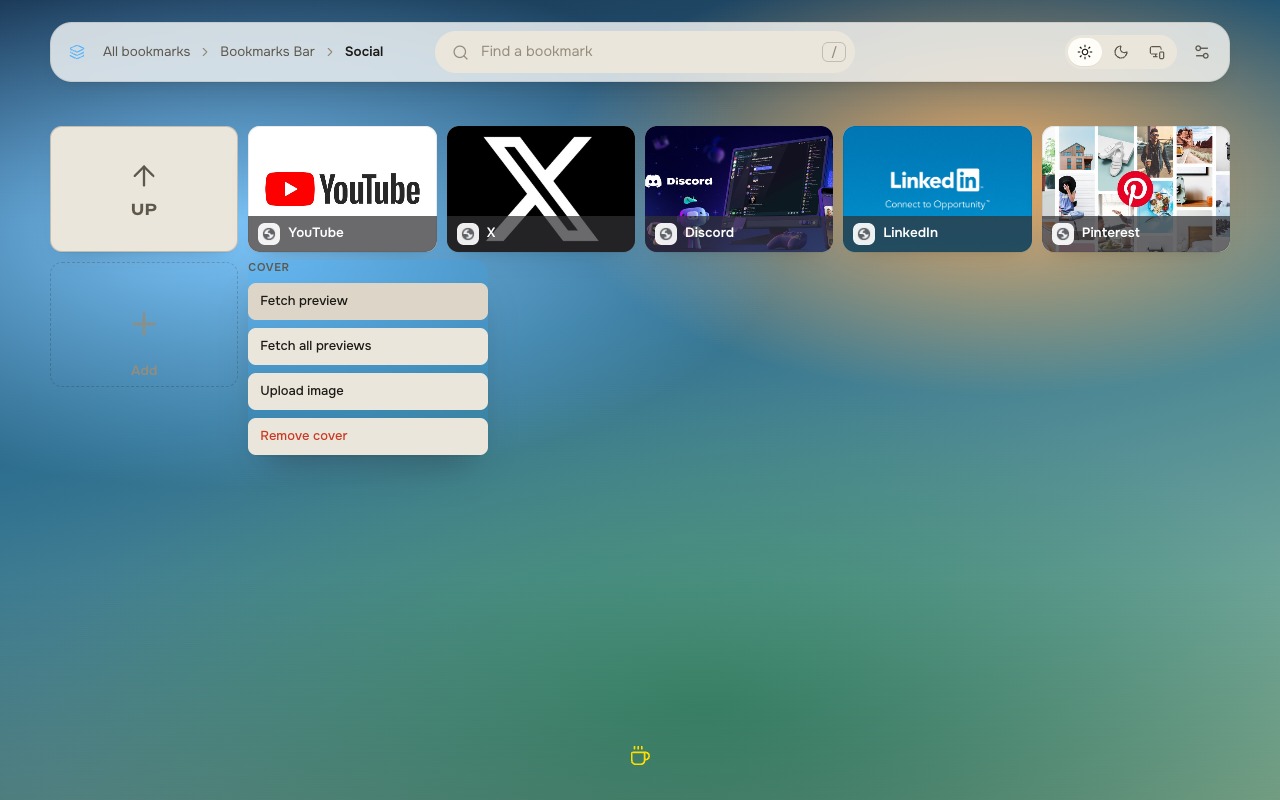
Fetch a preview or upload your own; favicons when you prefer simple.
Reorder tiles and drop bookmarks into folders.
Accent colour, canvas backgrounds, and tile density that feel like yours.
Press / to search across the board without leaving the dial.
Product
Folders, covers, and look — captured from the real extension UI.
FAQ
No. Tiledeck does not create an account. Your bookmarks stay in Chrome.
By default, no. Opening a new tab stays local. Cover fetch is opt-in when you choose Fetch preview.
Settings and optional covers live in local browser storage. Bookmark records remain in Chrome’s bookmark store.
See tiledeck.den-dev.io/privacy or email [email protected].
Replace the new tab with a calm speed dial of the bookmarks you already have.
Get it on the Chrome Web Store